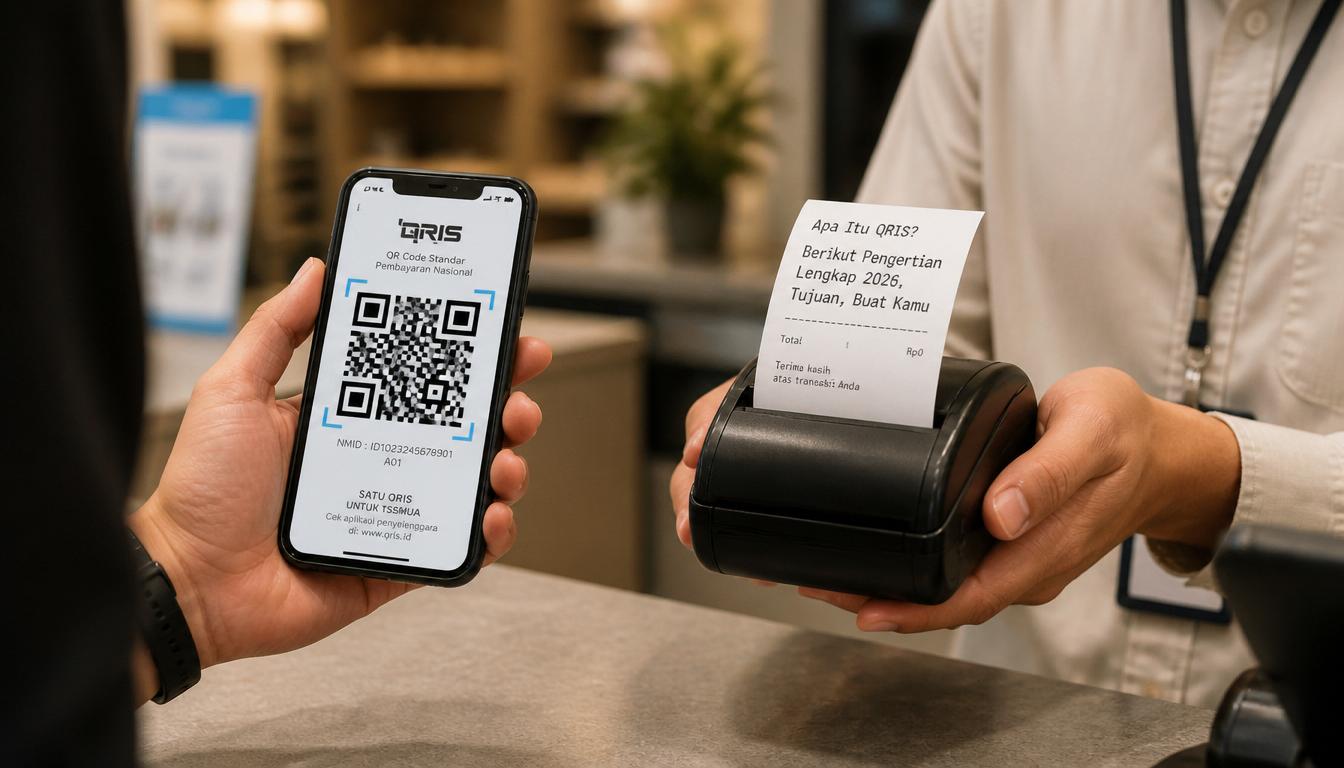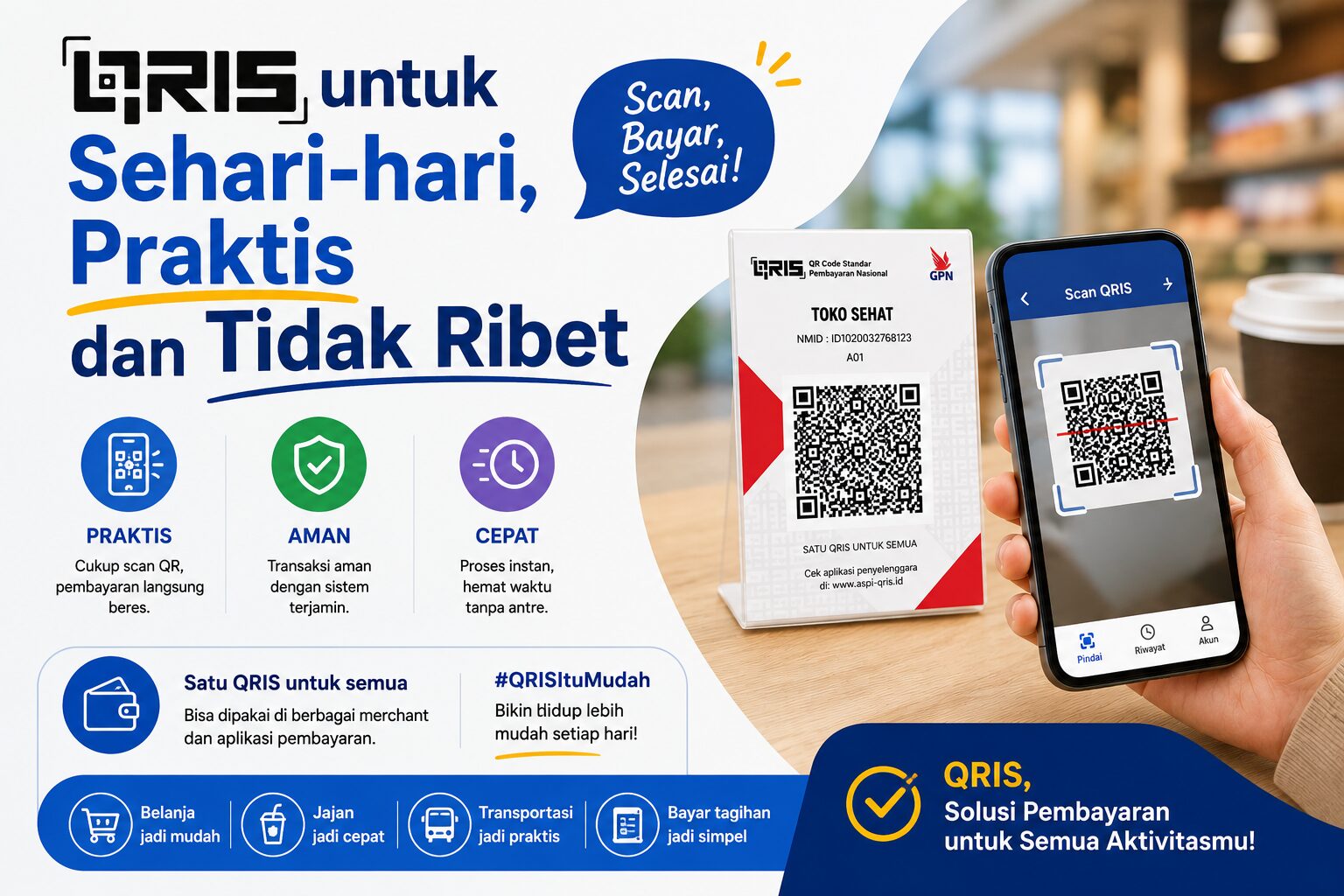

Digital payments are becoming essential for modern businesses in 2026. Customers now expect fast, cashless transactions using e-wallets, mobile banking, and QR code payments. This is where QRIS All Payment becomes highly valuable for business owners.
QRIS allows merchants to accept payments from multiple apps using just one QR code. It simplifies transactions while improving customer convenience and operational efficiency.
What Is QRIS All Payment?
QRIS stands for Quick Response Code Indonesian Standard, a unified QR payment system regulated by Bank Indonesia. Instead of displaying multiple QR codes from different providers, businesses only need one QRIS code.
This system supports payments from:
- DANA
- GoPay
- OVO
- ShopeePay
- Mobile banking apps
- Other QRIS-compatible platforms
As digital transactions continue to grow, QRIS has become a standard payment solution for both small businesses and larger enterprises.
Requirements Before Creating QRIS
Before starting the registration process, prepare the necessary documents to speed up verification.
Documents Commonly Required
- Valid ID card (KTP)
- Active phone number
- Business name
- Bank account information
- Business location or product photo
Some providers may also request NPWP depending on business scale and category.
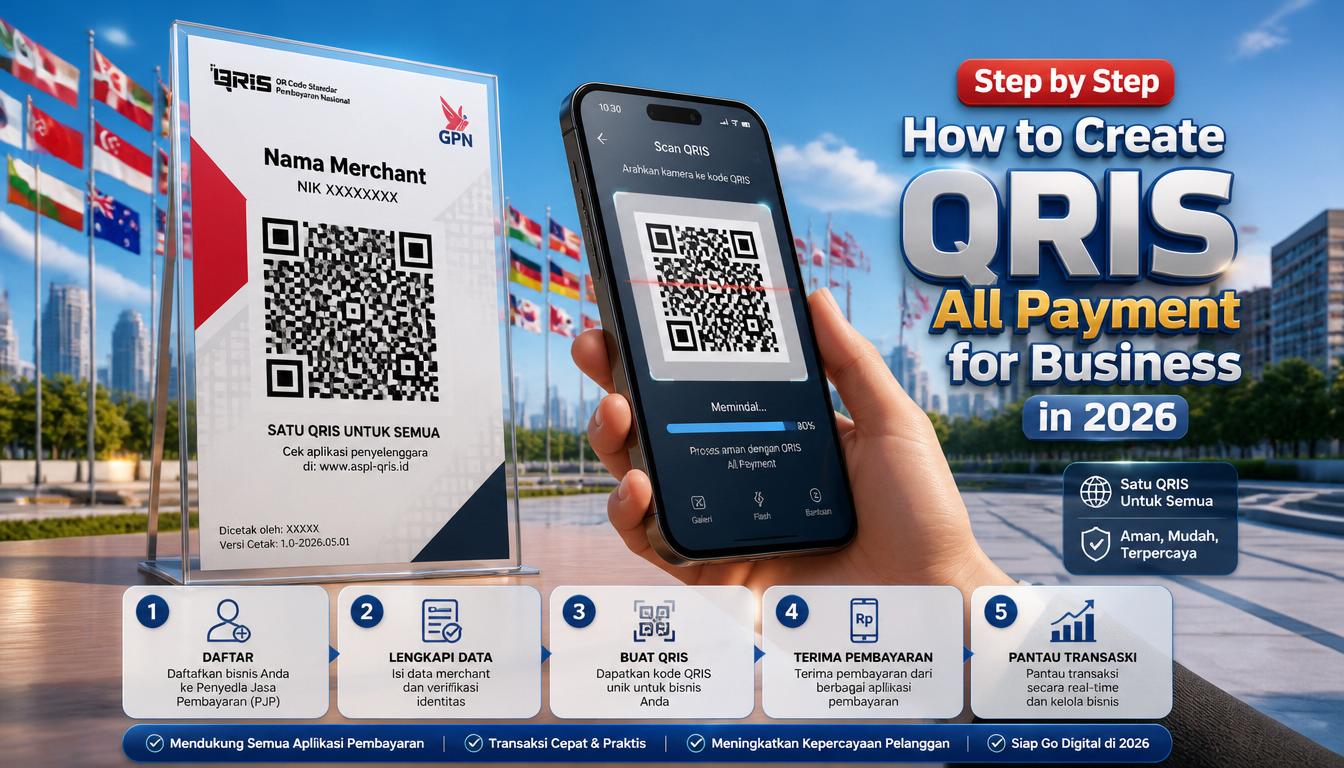
Step-by-Step How to Create QRIS All Payment
Creating QRIS is now easier because many banks and payment service providers offer online registration.
1. Choose an Official QRIS Provider
Select a trusted provider registered with Bank Indonesia. You can apply through:
- Digital banks
- E-wallet platforms
- Payment gateway services
- Merchant applications
Using an official provider ensures better transaction security and customer support.
2. Complete the Registration Form
Fill in your business details accurately. Incorrect information may delay the approval process.
Usually, you will need to provide:
- Business category
- Store address
- Contact details
- Settlement bank account
3. Upload Supporting Documents
Upload all requested documents clearly. Make sure photos are readable and not blurry.
Important Tip
Use the same business name across all documents to avoid verification issues.
4. Wait for Verification
The provider will review your application. Verification typically takes between 1–7 working days depending on document completeness.
Once approved, your QRIS code will be activated automatically.
5. Print and Display Your QRIS
After activation, print your QRIS and place it in visible areas near the cashier or payment counter.
This improves customer convenience and speeds up transactions.
Benefits of Using QRIS for Business
QRIS offers more than simple payment acceptance. It also helps businesses operate more efficiently.
Key Advantages
- Accept multiple payment methods with one QR code
- Reduce cash handling risks
- Improve transaction speed
- Monitor sales digitally
- Build a more professional business image
For small businesses and UMKM, QRIS also supports digital transformation without expensive equipment.
Conclusion
Learning how to create QRIS All Payment is an important step for businesses adapting to the digital economy in 2026. The process is simple, affordable, and accessible for businesses of all sizes.
With one QR code, merchants can provide faster, safer, and more flexible payment experiences for customers while improving operational efficiency in daily transactions.